Grow your dental practice from implant enquiry to accepted plan
New patients get a quick reply and a consult time, unscheduled treatment plans get a thoughtful follow-up, and your treatment coordinator can see each step.
Done for you. Live in about 2 weeks after we receive access to your systems.
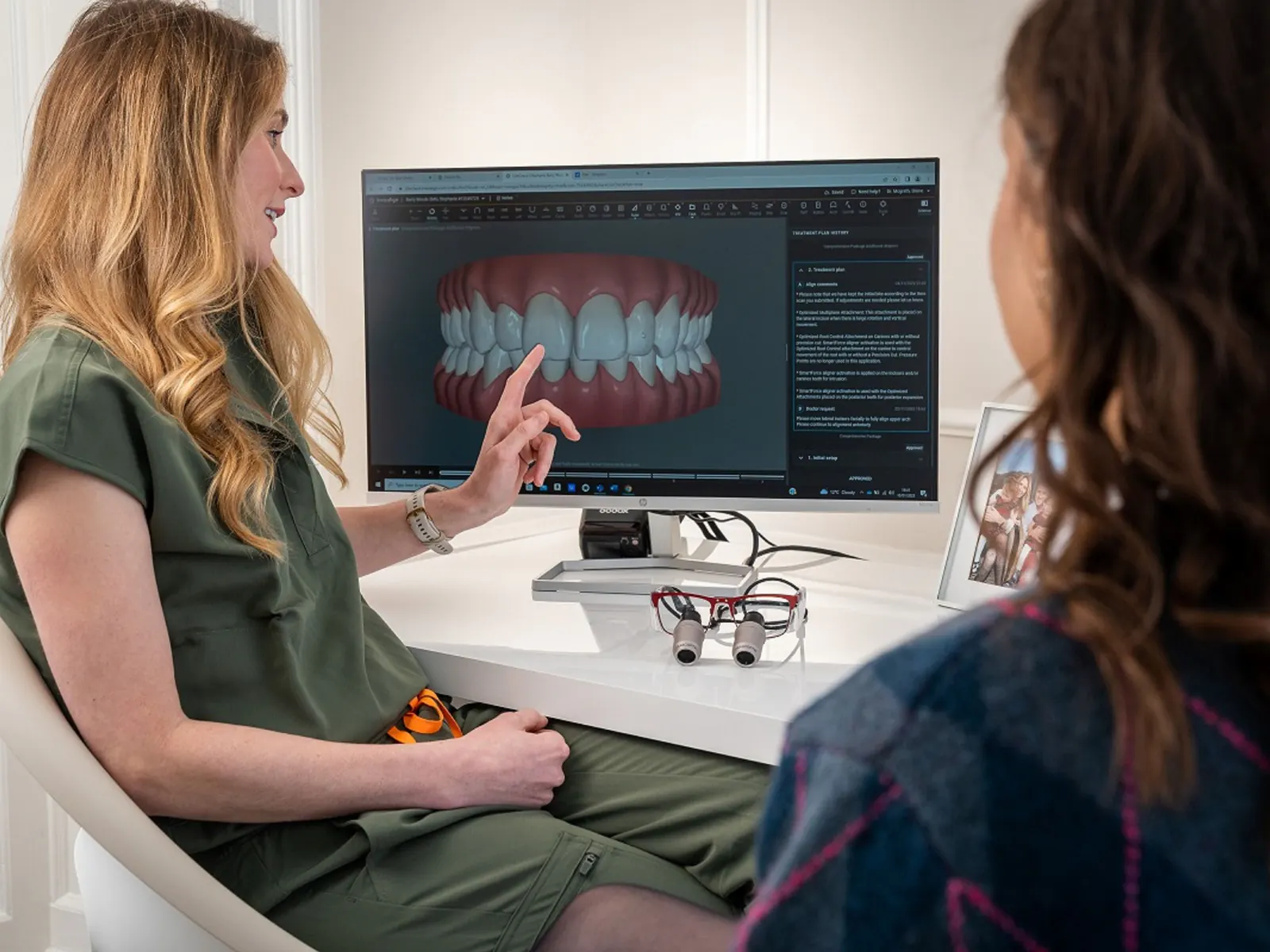
Where implant cases slip away in a busy week
A patient sees your full arch ad on a Tuesday night and fills in the form. Someone calls back on Wednesday afternoon, between hygiene checks, and by then the patient has booked a consult with the practice that replied first.
The patients who do come in often leave with a treatment plan and a question about cost. The plan lands on the unscheduled treatment list in your practice software, your coordinator is busy with the patients in the chair, and the follow-up call slides to next week, then the week after.
Meanwhile the hygiene schedule has gaps that overdue recall patients could fill, if anyone had time to reach them. Each of these is a small conversation that has to happen at the right moment, and a busy team can only hold so many at once.
What does AgentBlue do for dental practices?
AgentBlue sets up and runs the systems that answer new dental patients, book implant and cosmetic consults, and follow up on unscheduled treatment plans and overdue recalls. Your team keeps the clinical and financial conversations, and you can check each booking and follow-up we made.
Book your free demo
Free, 30 minutes, no obligation
What we run for your dental practice
Think of an implant case as one path with four stops. We cover the stretches where patients usually drift, and your coordinator owns the rest.
The implant enquiry gets an answer
A form, call or chat about implants or full arch work gets a reply that says it comes from an AI, asks a few short questions and offers consult times.
The consult is booked
The patient picks a time and it goes straight into your schedule, with their answers attached so the coordinator knows who is coming and why.
The plan and its questions stay with your team
After the consult the treatment plan lives in your practice software as usual. Questions about fees, insurance or financing go to your coordinator, never to the AI.
An unscheduled plan gets a timely check-in
If the plan is still not booked after a while, the patient hears from your practice with a friendly note and an easy way to book the next visit or speak to someone.
New patient enquiries
Calls, texts, website chat and implant landing page forms get an answer and a booking path, including evenings after your phones switch to voicemail. The AI answers 24/7.
Unscheduled treatment
Implant, veneer, aligner and crown plans that were agreed in the chair and never booked get a personal check-in, so fewer of them sit forgotten on a report.
Hygiene and recall
Patients overdue for a cleaning are invited back into open hygiene times, so quiet afternoons fill from your own patient list before you spend on ads.
Reviews after good visits
Patients who had a good experience get a short, well-timed review request, which helps the next implant patient pick you from the map.
Showing up in AI answers
We work on the listings, pages and reviews that AI assistants read when someone asks which practice nearby does full arch implants or evening appointments.
What your coordinator and office manager can check
You stay in charge of every case. Here is what your team can open and review at any time, without asking us.
Each booking with its conversation
A consult booked by the AI shows up in your schedule like any other, and the messages that led to it are there to read.
Patient history your staff can fix
Notes such as a preferred day, a past enquiry or a family member on the same phone number are kept with the patient. If one is wrong, your staff correct it and the next message uses the right detail.
Handoffs with the details so far
When a patient asks about financing, insurance, pain or anything clinical, your coordinator gets the thread and a short summary instead of a cold callback.
A results report, walked through by a person
Someone from our team goes through new enquiries, booked consults and recovered plans with you on a regular schedule and notes what to change.
Activity log
- Info09:14:02[Chat] new enquiry from the website0.4s
- Info09:14:03[Assistant] intent: book appointment0.2s
- Info09:14:21[Calendar] slot held, Thu 10:000.3s
- Debug09:14:22[Records] patient history updated0.1s
- Output09:14:22"You are all set for Thursday at 10."
An implant practice week, before and after
The same moments that happen at most cosmetic and implant practices, handled the usual way and with AgentBlue running the follow-up.
| What usually happens | With AgentBlue running it |
|---|---|
| An implant ad form arrives late in the evening and waits for the morning call list | The patient gets a reply that evening and can pick a consult time |
| Accepted plans sit on the unscheduled treatment list for weeks | Each unscheduled plan gets a check-in at a sensible moment, logged where you can see it |
| Overdue recall patients get one reminder and then drop off the radar | Overdue patients are invited into open hygiene times with a direct way to book |
| The coordinator juggles callbacks between consults | The coordinator picks up only the conversations that need a person |
| Results depend on someone finding time to pull a report | A person on our team reviews the results with you regularly |
Works with the dental systems you already use
We connect to your practice management system, so bookings land in the schedule your team already uses and the unscheduled treatment and recall lists come from your own records. On the demo we check your exact setup and tell you what connects.
- Your practice management system and its schedule
- Your practice phone line and text number
- Website chat, contact forms and implant landing page forms
- Your Google Business Profile, for review requests and replies
Getting started without a project for your team
Your office manager should not have to run a software rollout, so starting comes down to three things.
Free 30-minute demo, no obligation
We look at how your practice handles implant enquiries, unscheduled plans and recall today, and show you where cases slip.
Done for you: we set up, connect and run it
We build it around your schedule and your coordinator, connect your systems and keep it running after launch.
Live in about 2 weeks after we receive access to your systems
Access to your practice software and phone line is what starts the clock.
Frequently asked questions
Will it give patients clinical or dental advice?
No. It answers practical questions from information you approve, such as opening hours, parking and what happens at a first consult. Anything clinical, including toothache and emergency calls, goes straight to your team.
Can it talk about treatment costs or financing?
It does not quote fees or promise financing terms. When a patient asks about cost, it passes the question to your treatment coordinator with the conversation so far, so the patient does not have to repeat themselves.
Will patients know they are messaging an AI?
Yes. It says it is an AI at the start, and anyone who asks for a person is handed to your team.
Does it work with our practice management system?
We connect to your practice management system so bookings appear in your schedule. Tell us which one you use on the demo and we confirm what connects before you decide anything.
We have several locations. Does that work?
Yes. We set it up for single practices and for groups of 2 to 9 locations, and on the demo we map how enquiries should reach the right location and coordinator.
We already use a patient communication platform. What changes?
Keep what works. On the demo we look at what your current tools already cover and where new enquiries, unscheduled plans or overdue recalls still fall through, and we only set up the parts that close those gaps.
How do you handle patient information?
We go through data protection questions in detail on the demo call, where we can talk about your setup. Please do not share patient details in our website chat or forms.
How long until we are live?
About 2 weeks after we receive access to your systems. We do the setup, so your team keeps seeing patients while it happens.
Have a question about your practice first?
Ask Sophia, our AI assistant, how a full arch enquiry from your website would be handled at a practice like yours.
See how your next implant enquiry would be handled
Book a free 30-minute demo. We walk through an implant enquiry at a practice like yours, from the first message to a booked consult and a follow-up on the plan.
What to expect
- Free, 30 minutes, no obligation
- Pricing tailored to your clinic
- A person replies within one business day, Monday to Friday
- Limited onboarding slots each month